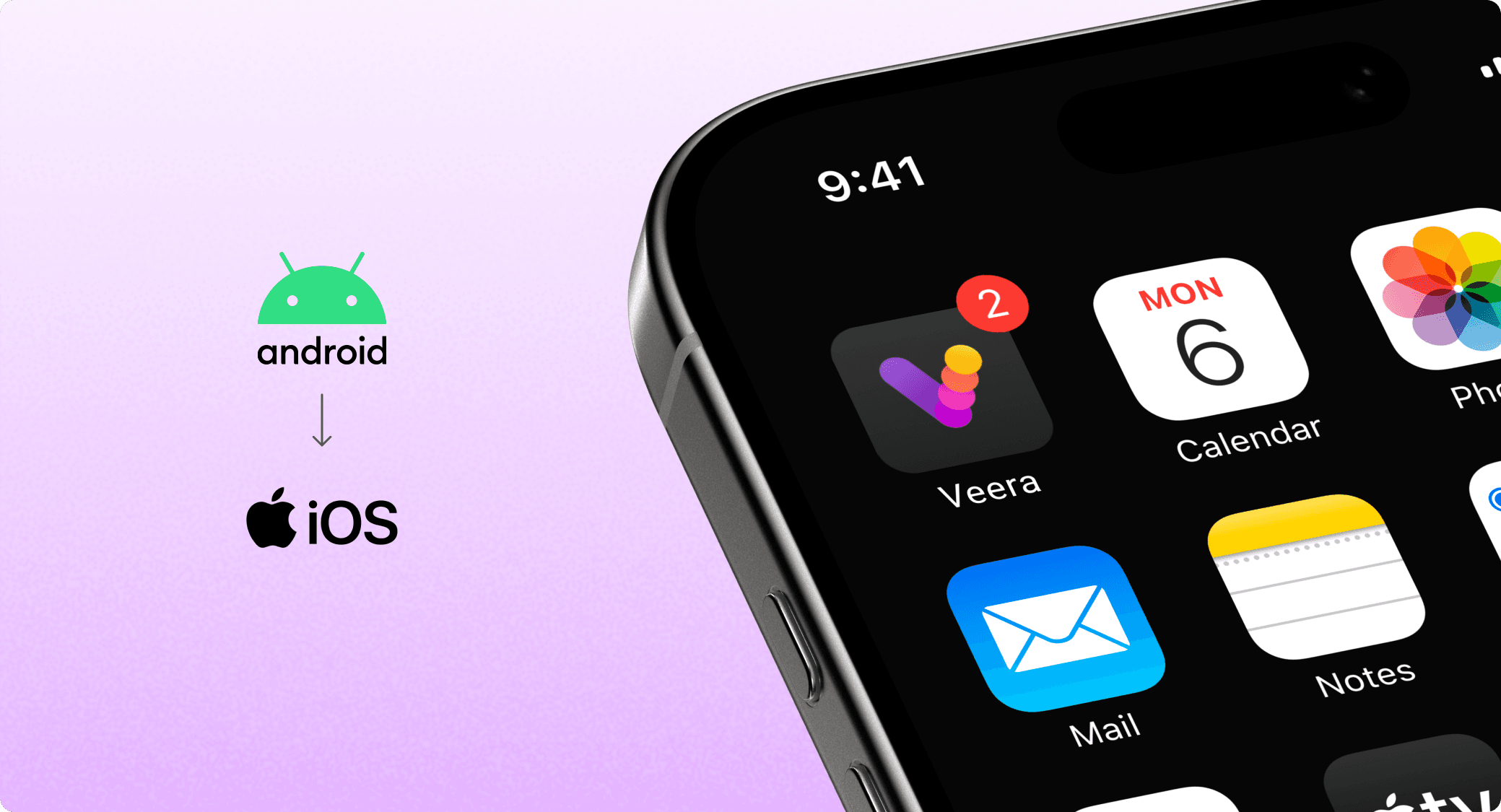
Building Veera android app for iOS
Objective
To translate our fully functional Android app into an iOS experience that felt native, intuitive, and consistent with Apple’s Human Interface Guidelines.
The app included five main modules- Browser, Dapp Store, Web3 Wallet, Rewards, and Settings, all of which needed to be reimagined for the iOS ecosystem.
Why are we doing this?
It's a strategic move to grow our user base and make the app accessible to a broader audience. It will allow us to tap into a new segment, increase active users, and improve retention by offering a seamless experience across platforms

More than copy and paste
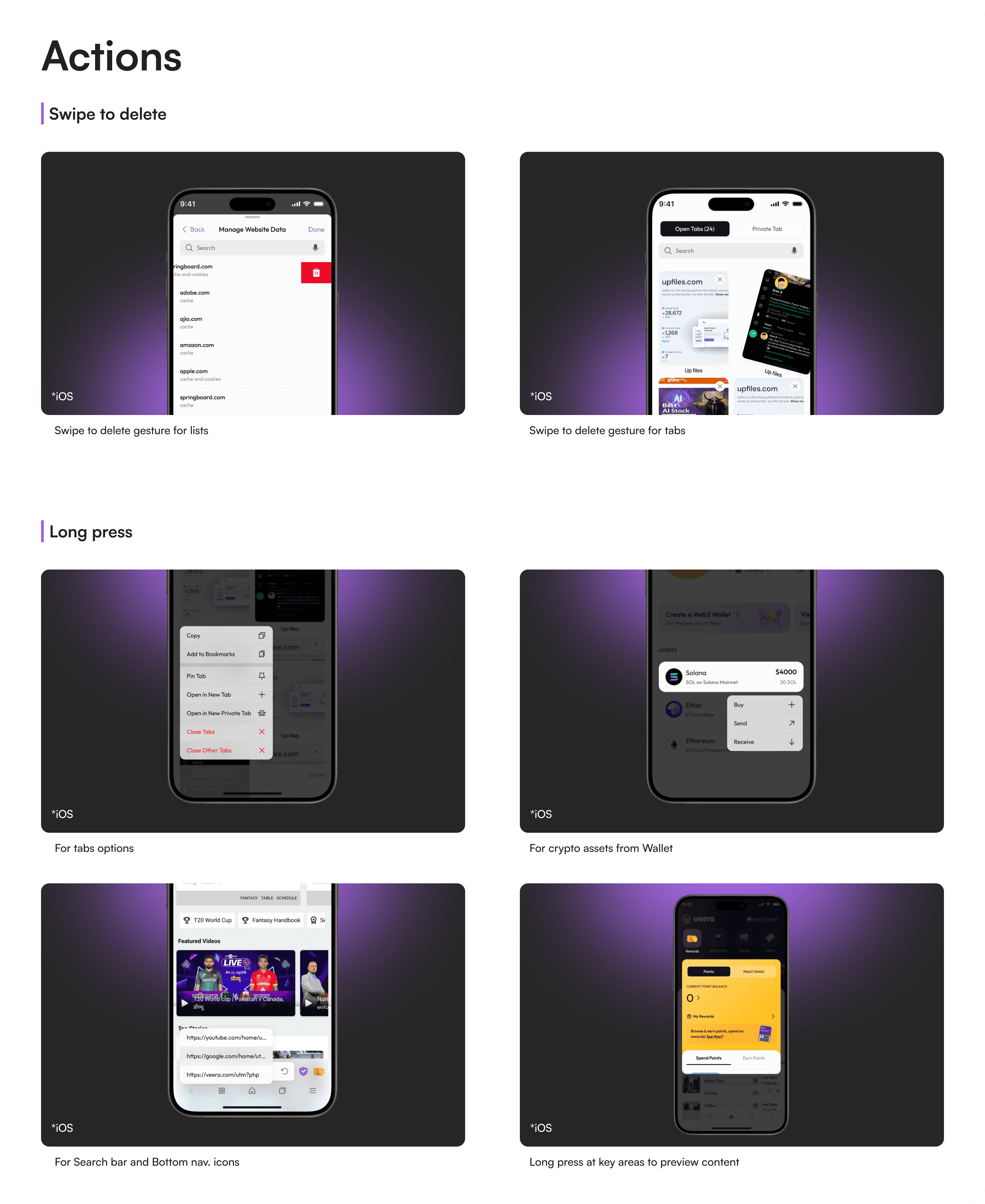
Releasing an iOS version of an Android app isn’t as simple as copying screens and changing a few components, it's about understanding a whole new design language and user mindset. iOS users have specific expectations shaped by Apple’s ecosystem: fluid gestures, native interactions, consistent visual feedback, and a certain level of polish.
Laying the Groundwork
I spent time deepening my understanding of the Human Interface Guidelines (HIG) and Material Design both of which I had previously studied but needed to revisit with fresh eyes. In simple terms:
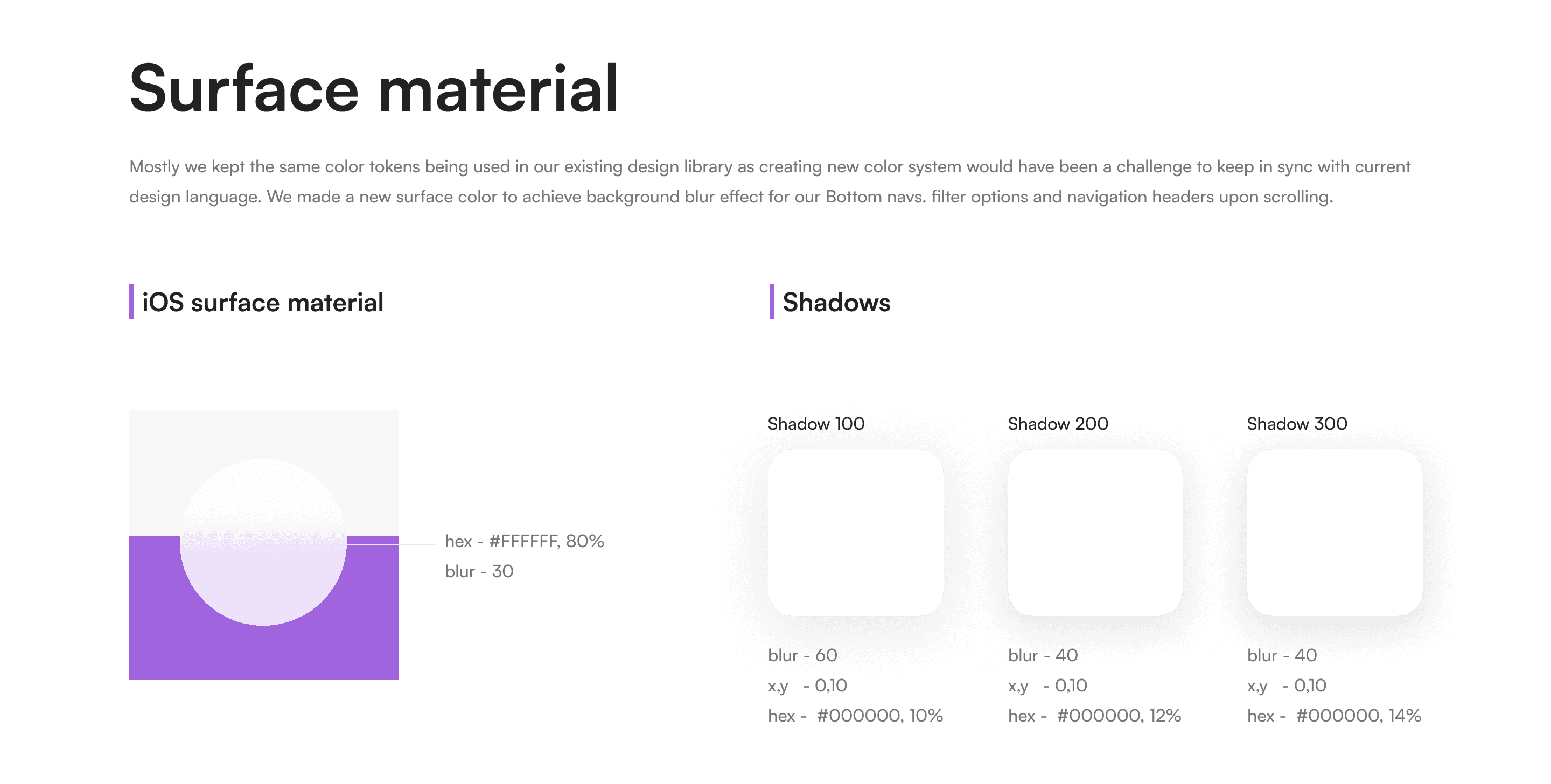
HIG emphasizes a flat, minimal, and light aesthetic that relies on blur, translucency, and subtle depth.
Material Design, on the other hand, uses a more lively, tactile feel using intentional motion, elevation, and bold color to create hierarchy and interaction.
Studying the Real World
To answer this, I turned to used the iOS and Android versions of popular browsers and crypto apps like Brave, Arc, Phantom etc. These comparisons revealed clear design shifts between platforms, even within the same brand.
Variations in title/subtitle alignment
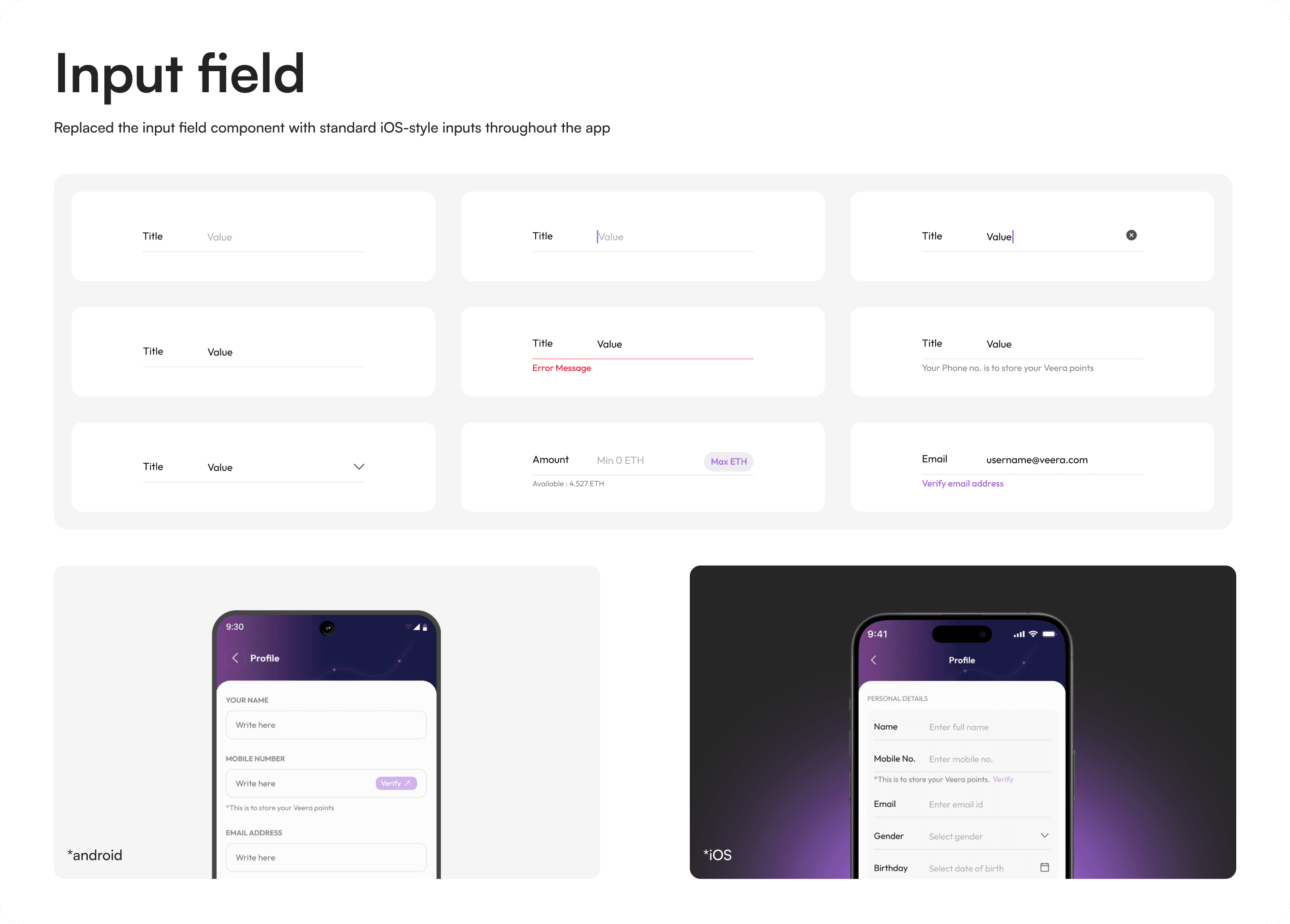
Changes in button styles, padding, and corner radius
Platform-specific font styles and hierarchies
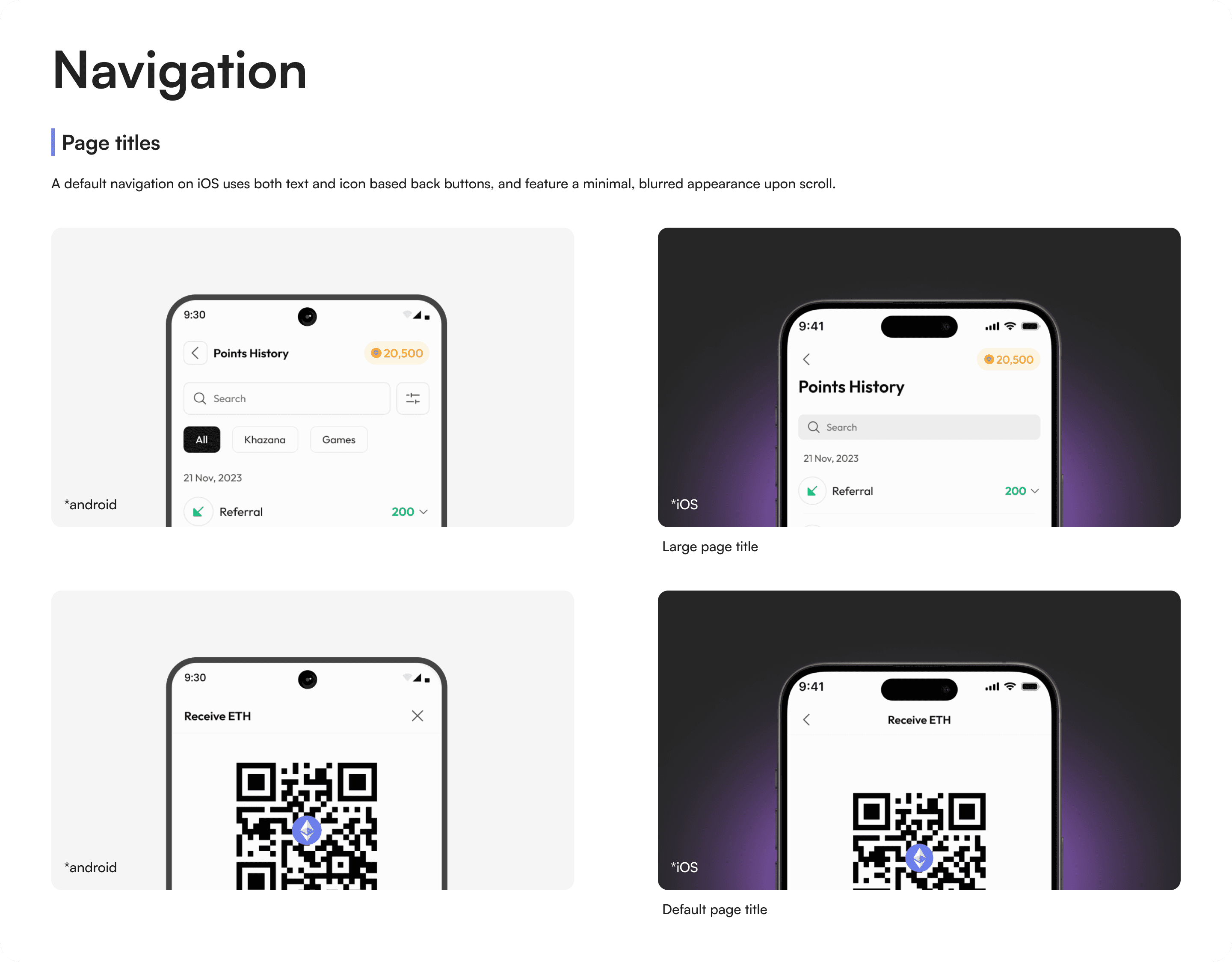
iOS favoring text-based navigation, while Android leans more on icons
Margin, column, and gutter layout differences
These findings reinforced the importance of designing for platform-native expectations. It was clear: this couldn’t be a one-size-fits-all solution
Key differences
Android
iOS
Material Design surfaces and shadows |
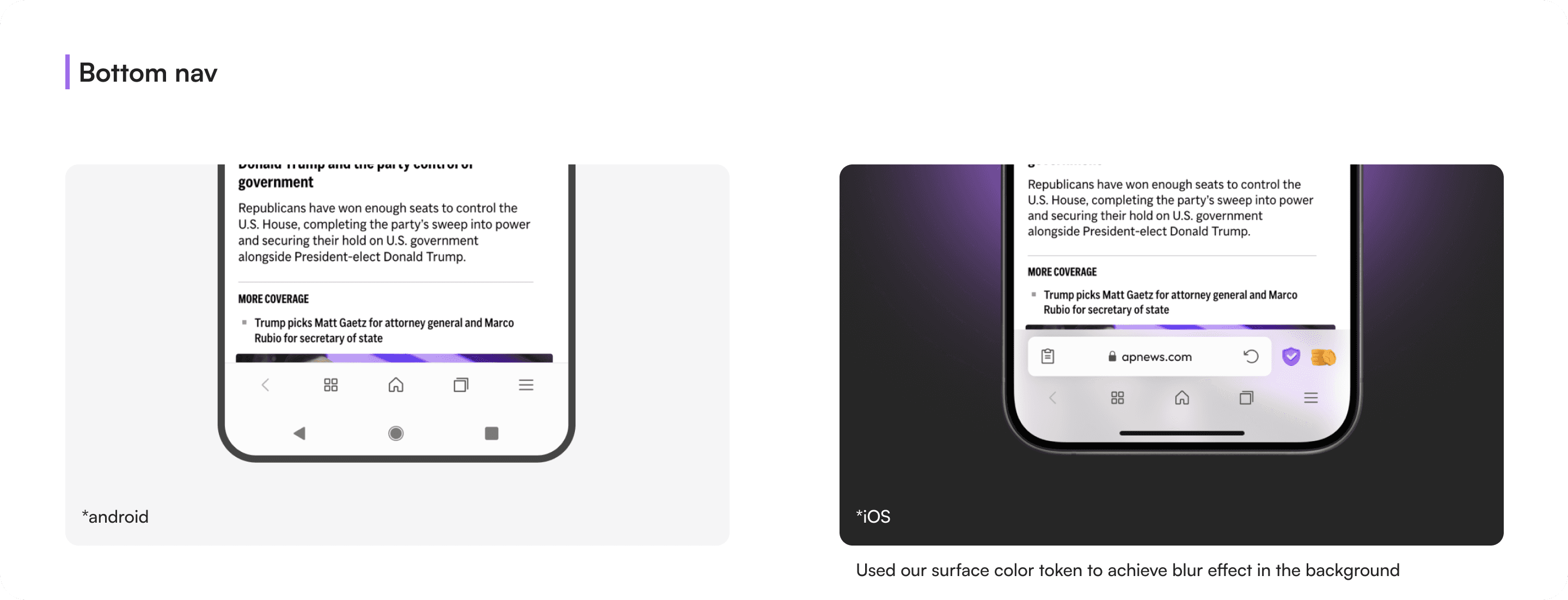
Blur effects, subtle shadows, translucency |
Top-aligned tabs & persistent nav bars |
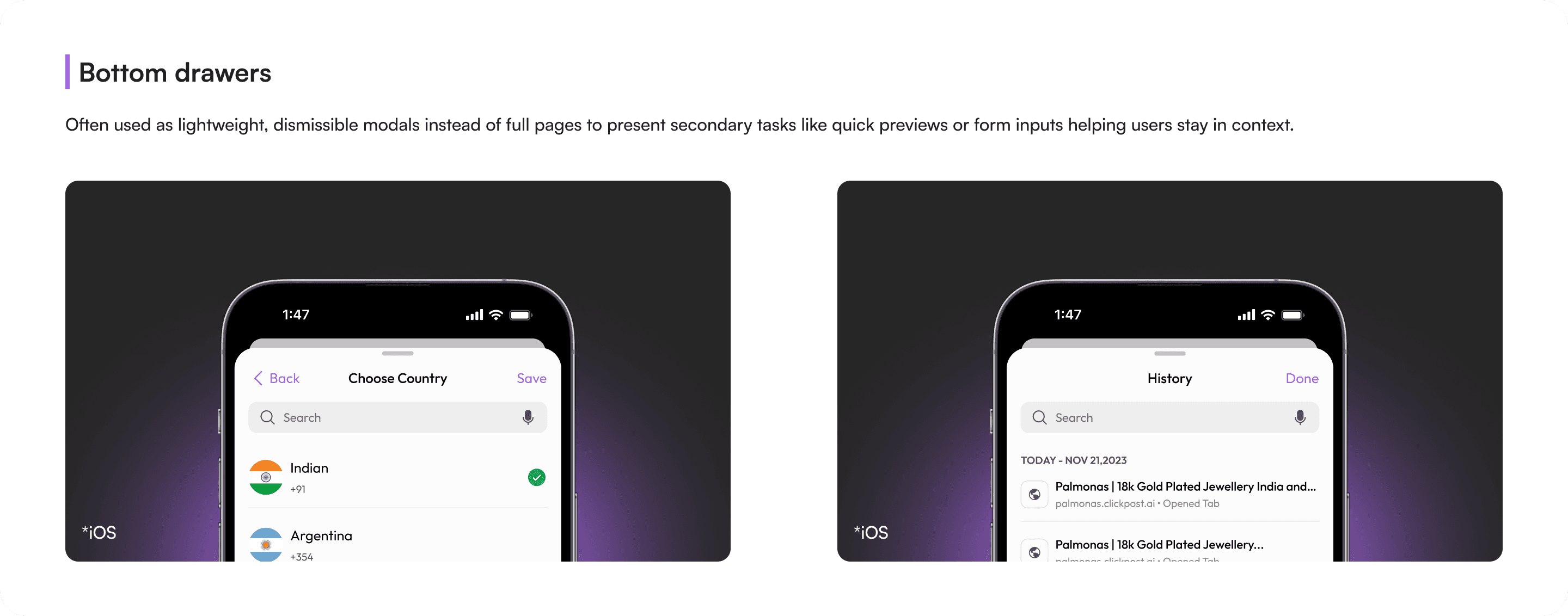
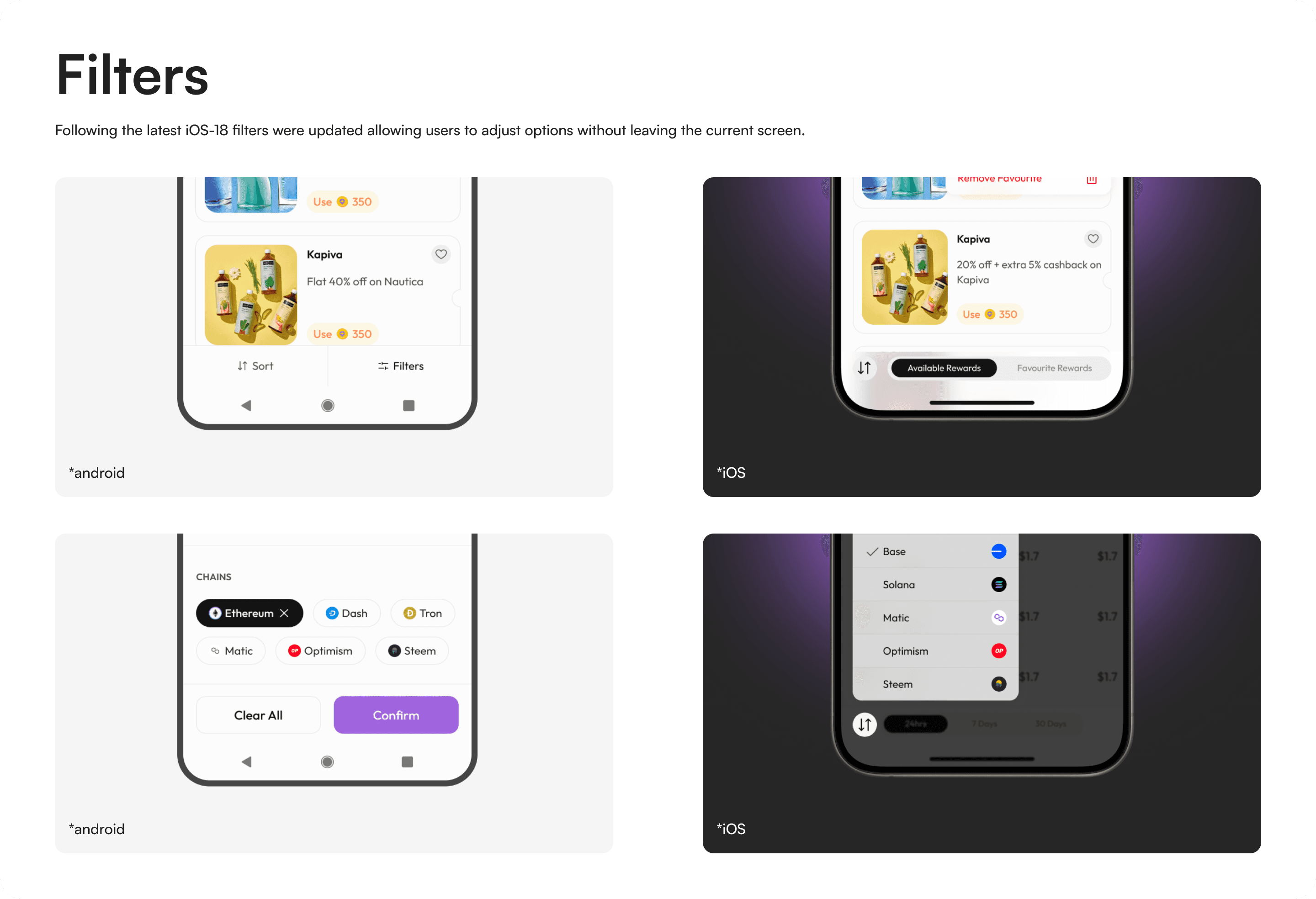
Bottom navigation, modals, and sheet patterns |
|
|
|
|
|
|
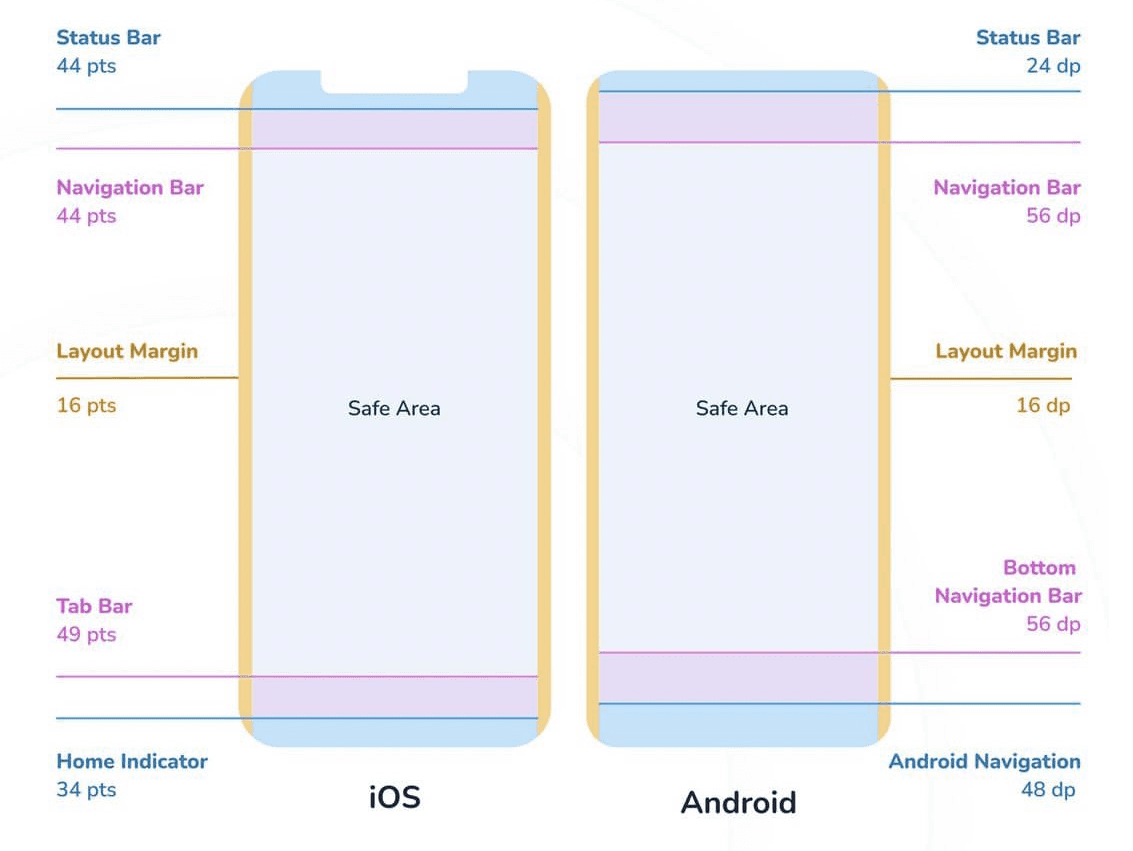
Layout Grid
To ensure consistency and structure across the app, we standardized the layout using a column-based grid system. While exploring design guidelines, we observed that Apple's HIG doesn’t rely on a formal grid but maintains 16px side margins. In contrast, Material Design uses a four-column grid with 16px gutters and margins.