Available for work

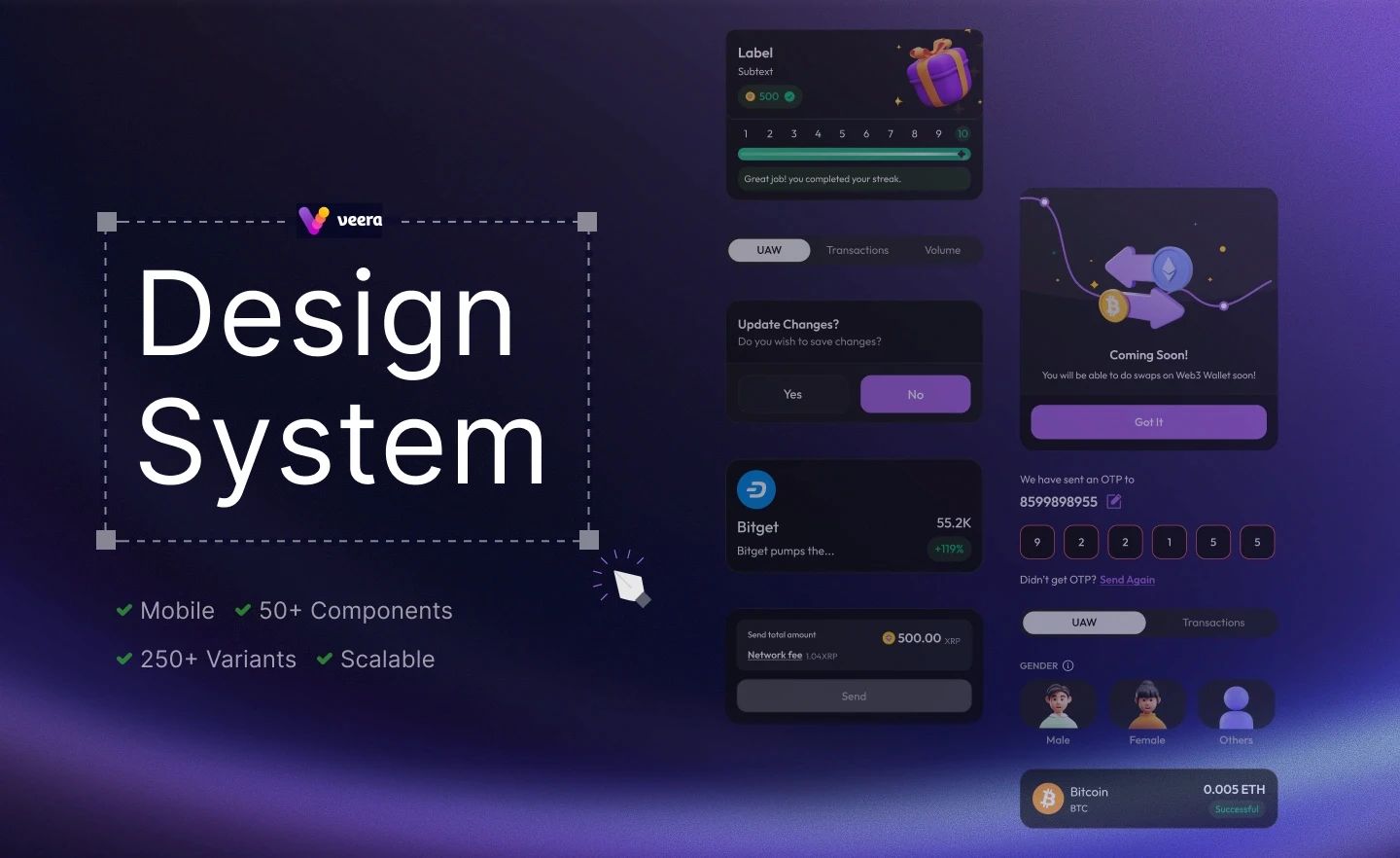
Building the design system for Veera mobile experience
Role

Product Designer

Scope

Audit

Component library creation

Design tokens setup

Guidelines for usage

Handoff for developers

Duration

8 weeks +

Team

2 × Product Designer

1 × Product Manager

Objective

Objective

The goal was to create a scalable design system that would unify the product’s visual language, speed up the design to development workflow, and support future growth without rework.

The goal was to create a scalable design system that would unify the product’s visual language, speed up the design to development workflow, and support future growth without rework.

Atomic Structure

Atomic Structure

Atomic Structure

Design Tokens

Design Tokens

Design tokens are the core style values like colors, typography, and spacing that ensure consistency.

Atoms

Atoms

The smallest UI elements such as buttons, icons, or input fields.

Molecules

Molecules

Simple groups of atoms working together, like a search bar with an input and button.
Organisms

Organisms

Complex components made of multiple molecules, such as a header or card.

Pages

Pages

Final instances of templates filled with real content and data.

Contents

Contents

Contents

Tokens

Color

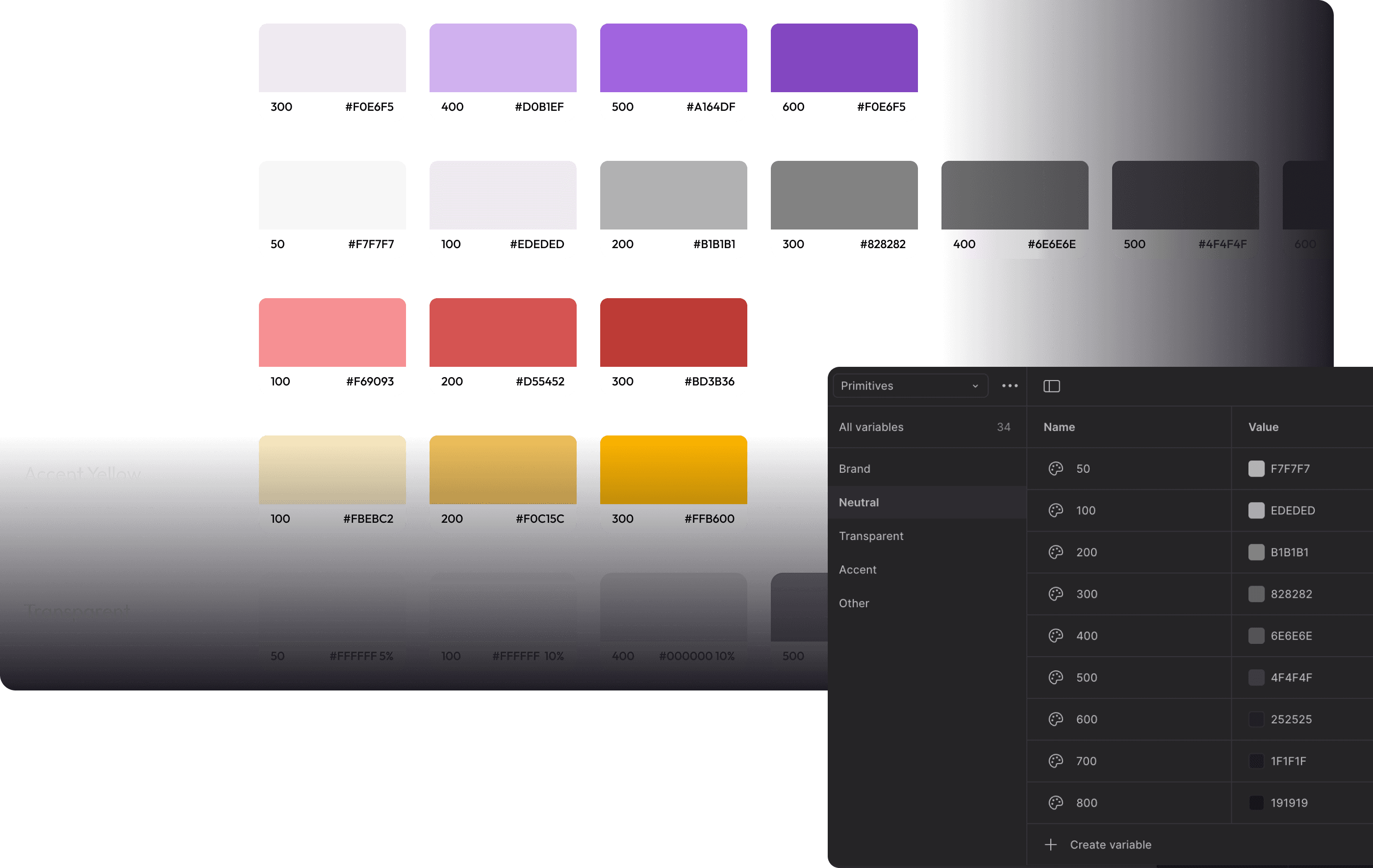
Defined the brand palette and established visual hierarchy.
Typography

Set up scalable text styles to maintain readability and tone.
Grid

Designed action elements that were clear and impactful.

Icons

Created a visual language that improved recognition and navigation.

Components

Buttons

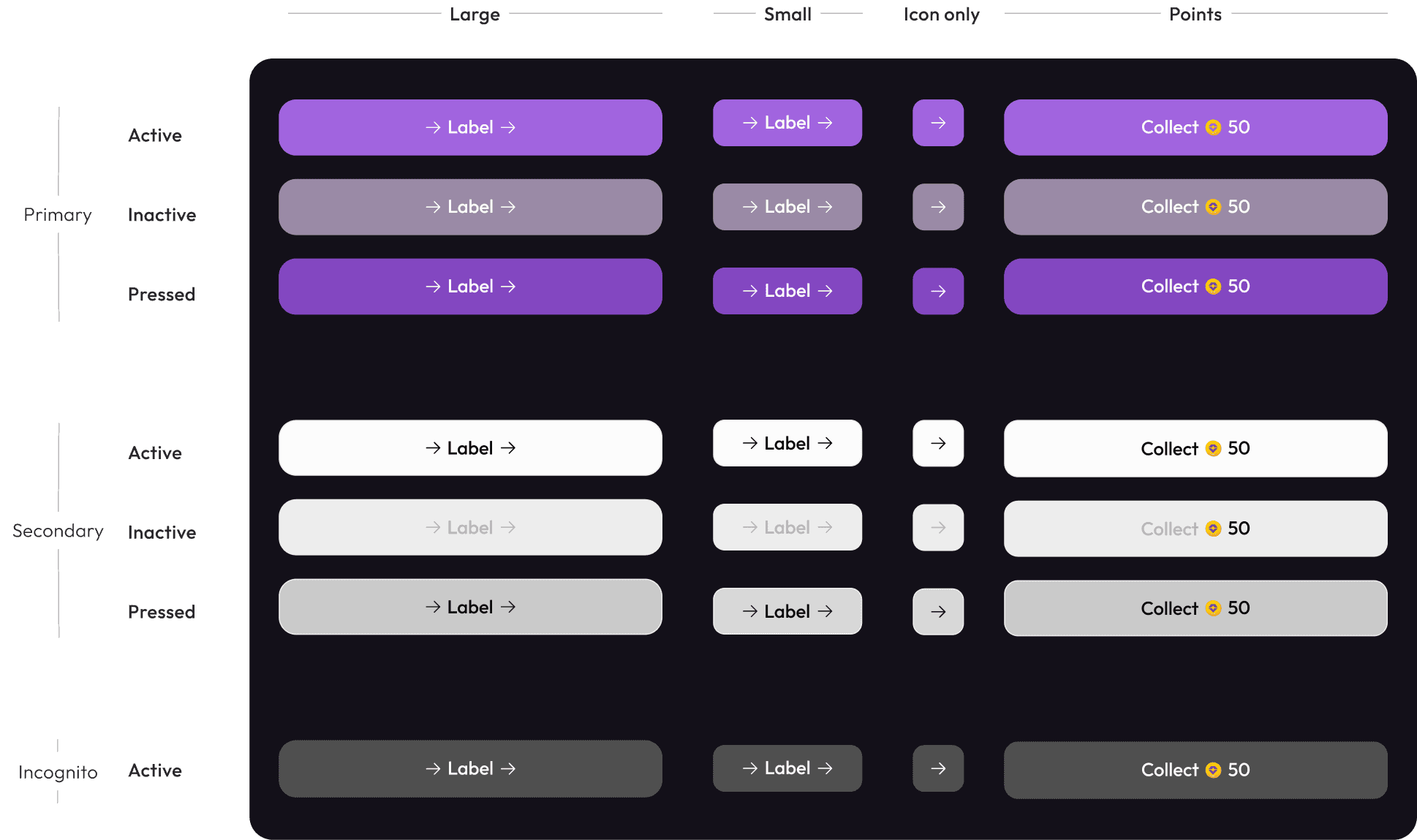
Designed action elements that were clear and impactful.

Cards

Grouped information in a structured and scannable format
List

Organized layout for easier comparison and selection
Dock

Introduced fixed navigation for quick access to core features.
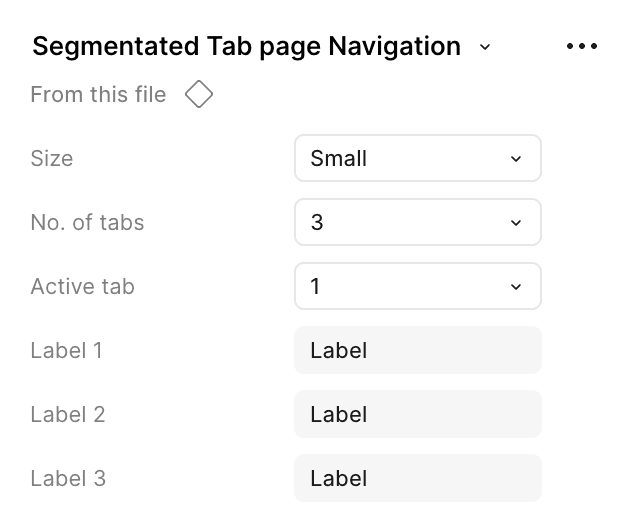
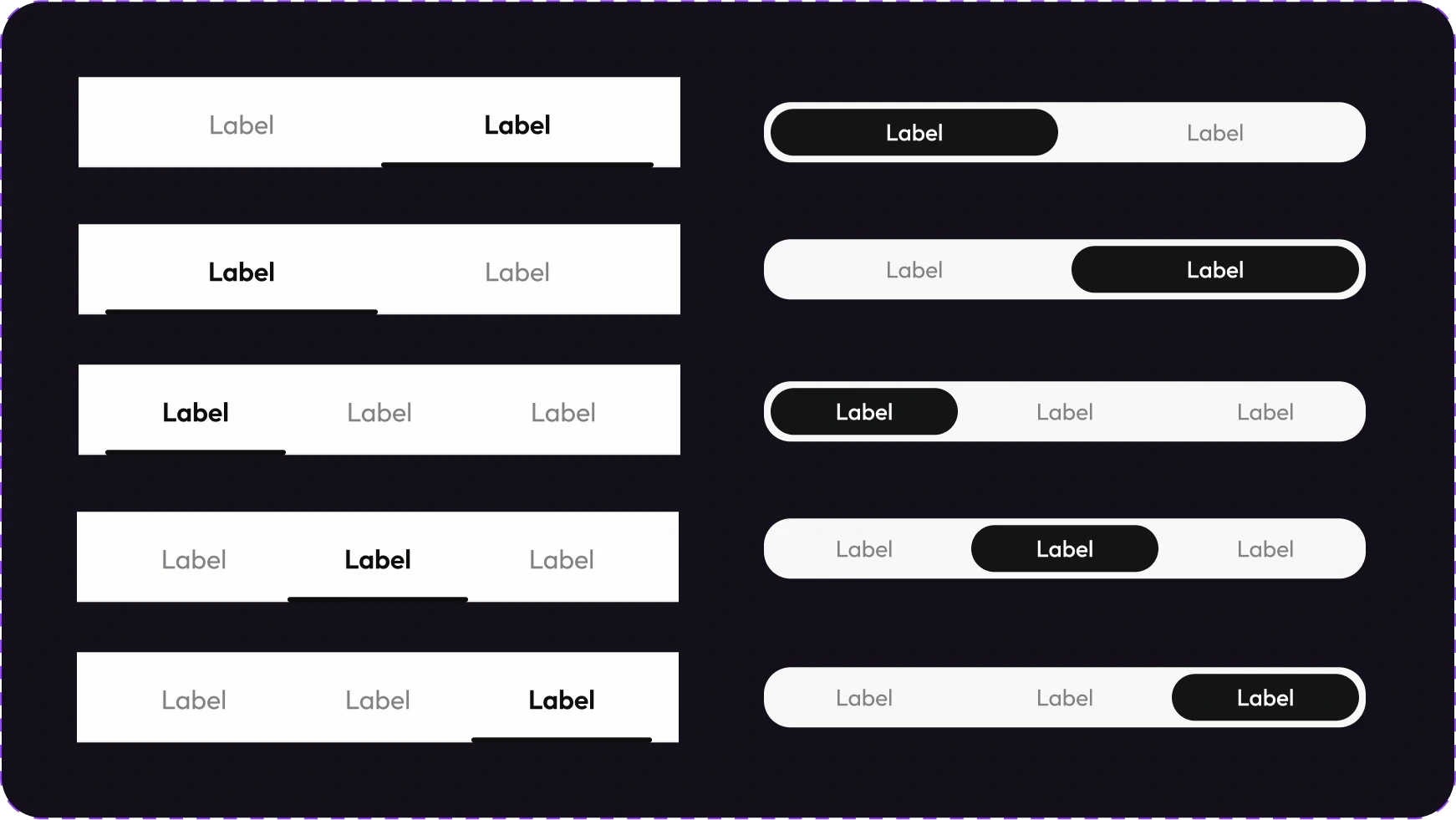
Tabs

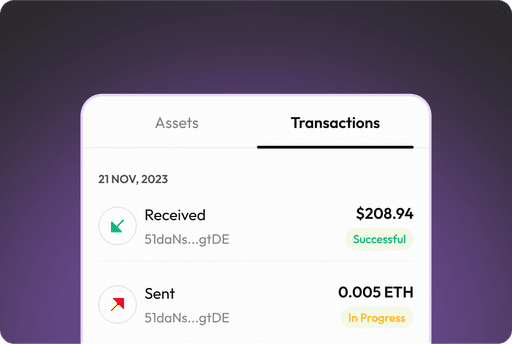
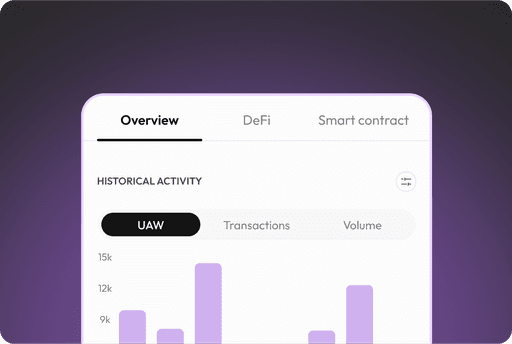
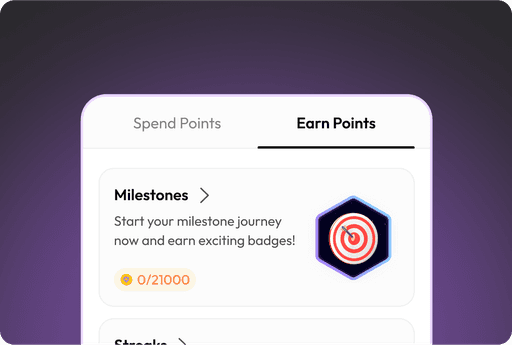
Enabled smooth switching between related views.
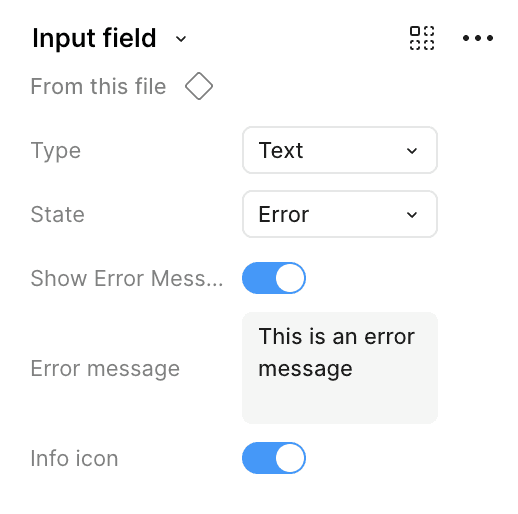
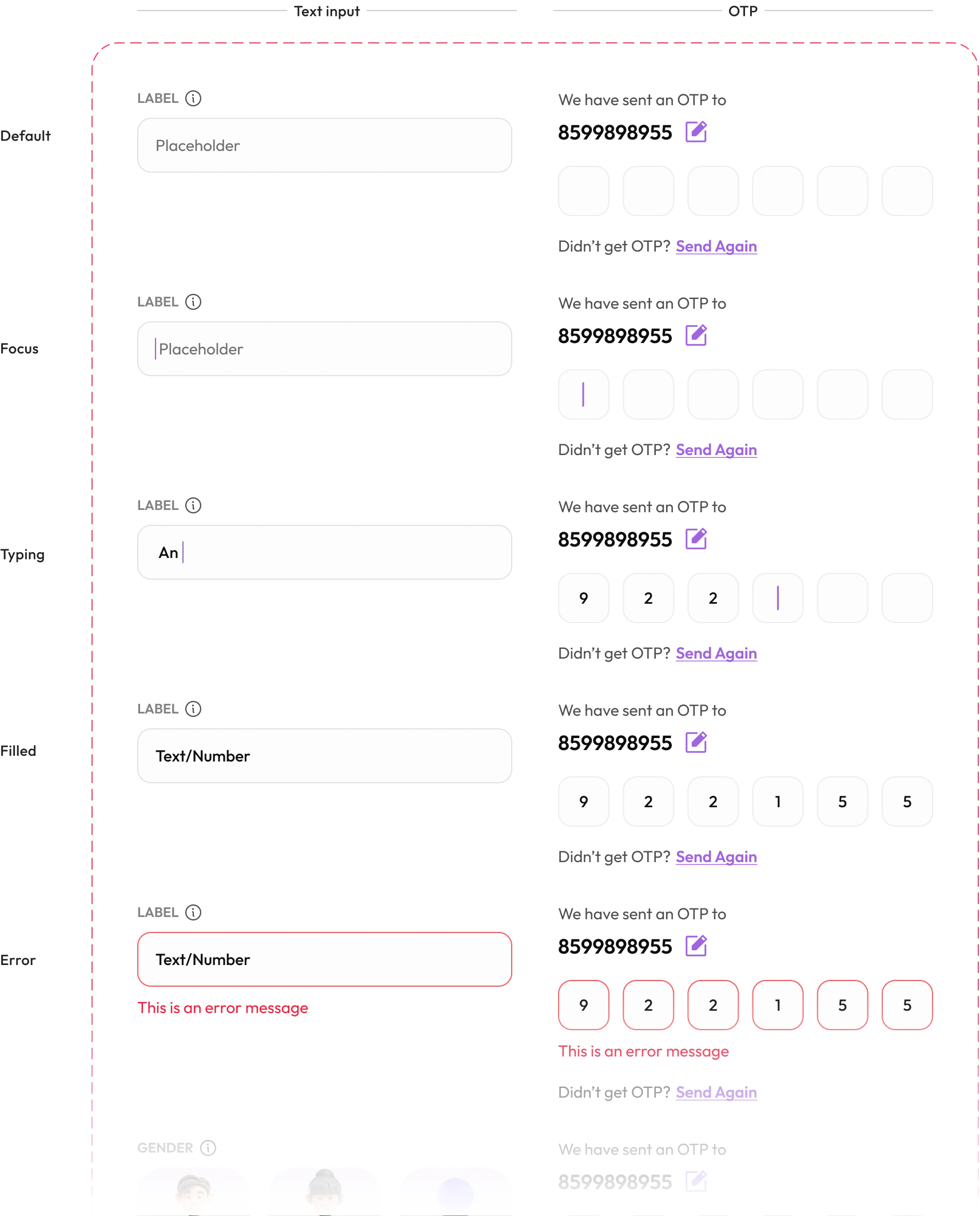
Input fields

Designed input areas that captured user data effectively.

Foundations

Colors

Typography

Grids

Icons

Primitives Color

Primitives Color

Primitives Color

Color Tokens

Color Tokens

Color Tokens

Surface

Text

Icons

Borders

Alerts

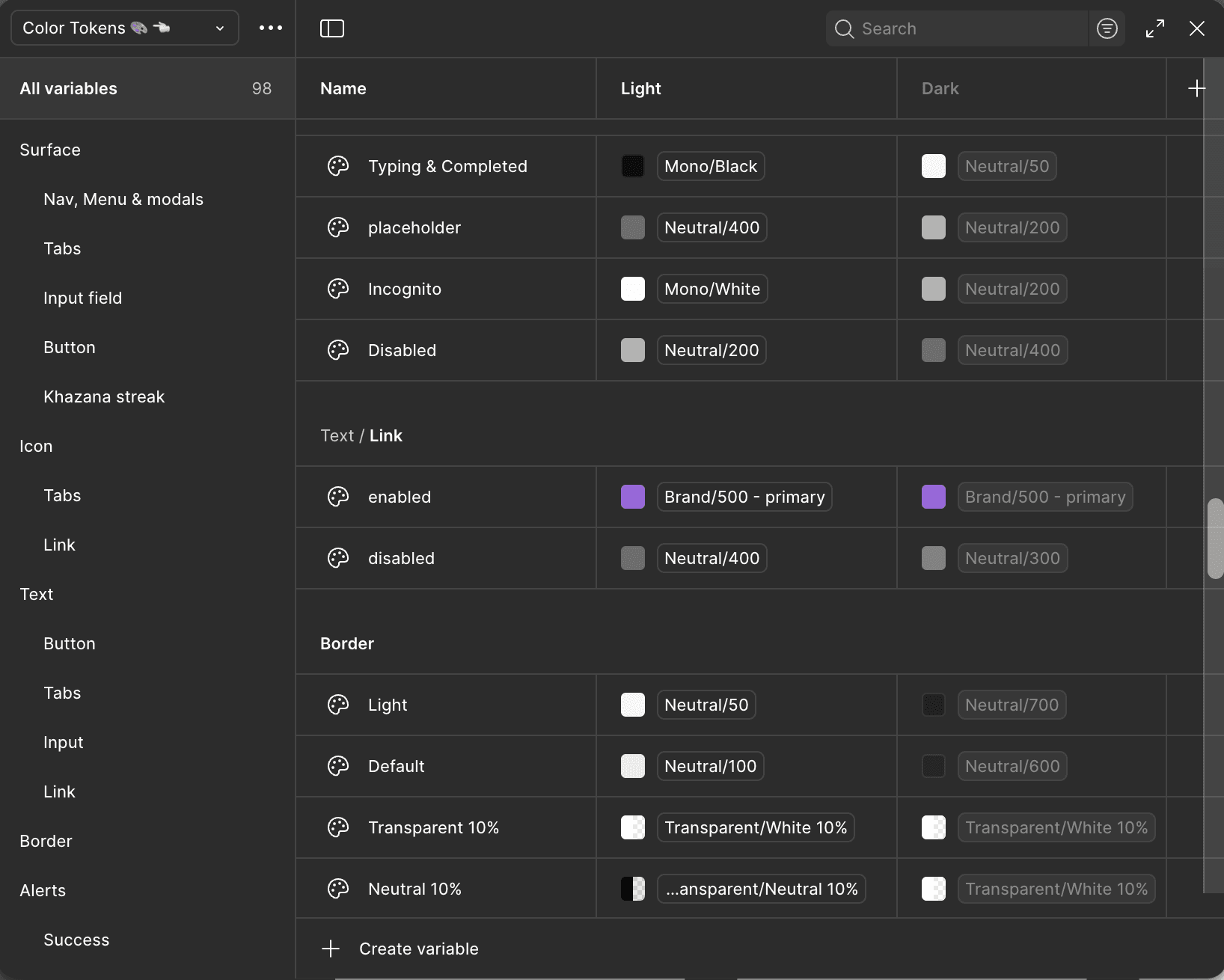
Color tokens were created to maintain consistency across surfaces, text, icons, and alerts in both light and dark modes. By defining reusable variables, the system ensures scalability and adaptability while keeping the brand identity intact

Typography

Typography

Outfit

Outfit

Display 1

Size

48px

Weight

Regular

Line height

56px

Display 2

Size

40px

Weight

Regular

Line height

56px

Display 3

Size

32px

Weight

Regular

Line height

56px

Body 1

Size

18px

Weight

Semibold, Medium, Regular, Light

Line height

28px

Body 2

Size

16px

Weight

Semibold, Medium, Regular

Line height

24px

Heading 1

Size

32px

Weight

Semibold

Line height

40px

Heading 2

Size

28px

Weight

Semibold

Line height

36px

Heading 3

Size

24px

Weight

Semibold

Line height

32px

Heading 4

Size

20px

Weight

Semibold

Line height

30px

Caption

Size

12px

Weight

Medium, Regular

Line height

18px

Typography

Outfit

Display 1

Size

48px

Weight

Regular

Line height

56px

Display 2

Size

40px

Weight

Regular

Line height

56px

Display 3

Size

32px

Weight

Regular

Line height

56px

Body 1

Size

18px

Weight

Semibold, Medium, Regular, Light

Line height

28px

Body 2

Size

16px

Weight

Semibold, Medium, Regular

Line height

24px

Heading 1

Size

32px

Weight

Semibold

Line height

40px

Heading 2

Size

28px

Weight

Semibold

Line height

36px

Heading 3

Size

24px

Weight

Semibold

Line height

32px

Heading 4

Size

20px

Weight

Semibold

Line height

30px

Caption

Size

12px

Weight

Medium, Regular

Line height

18px

Grid

4 column grid system is used with 16PX margin from both the sides. Along with this, horizontal grid is also added to maintain 8PX grid system throughout the app.

Screen size used here - 360*800 PX

16PX

16PX

16PX

16PX

16PX

16PX

360

360

74PX

74PX

328PX - Stretch

328PX - Stretch

Icon Library

Icon Library

Icon Library

Flat icons

Colored icons

Components

Buttons

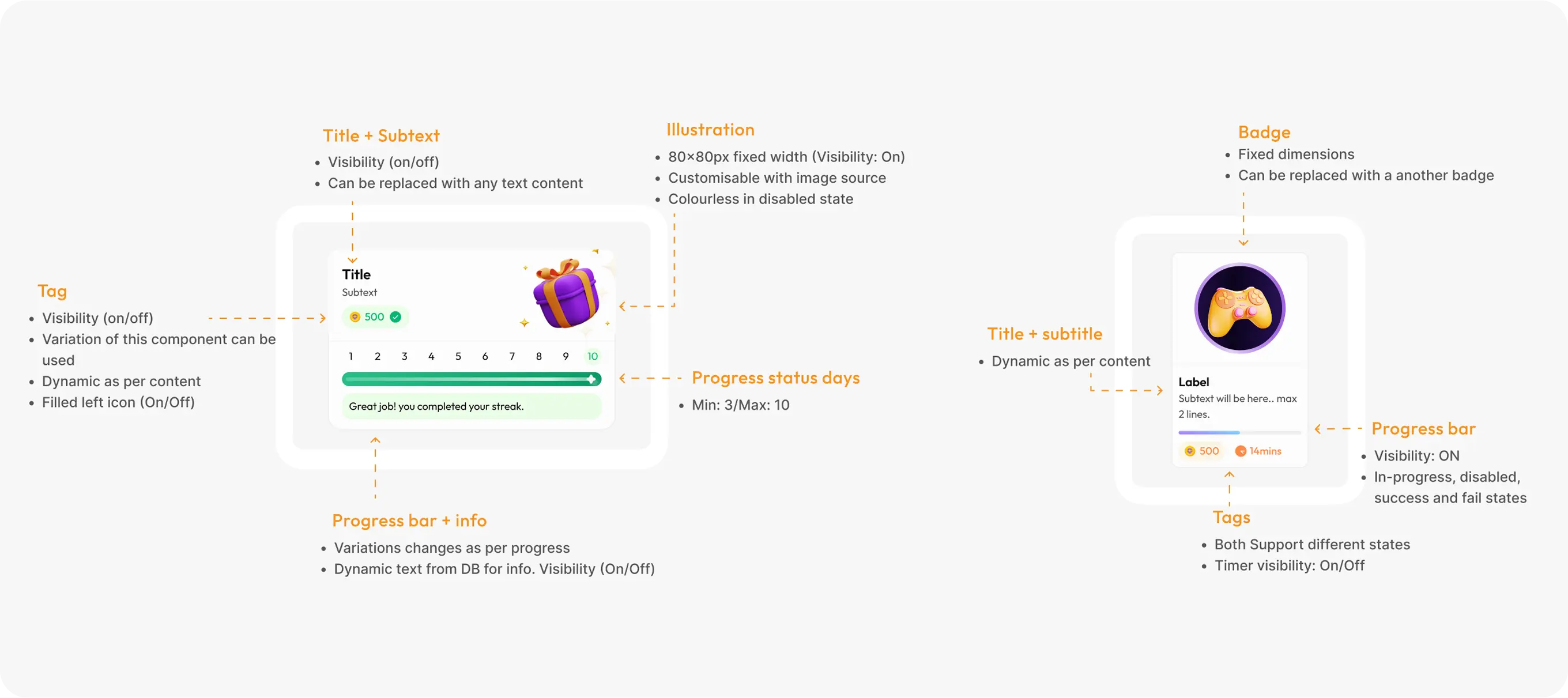
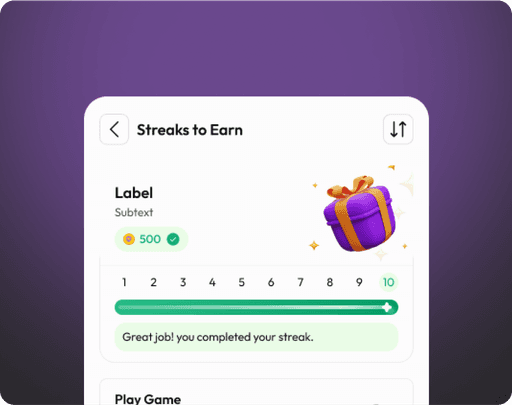
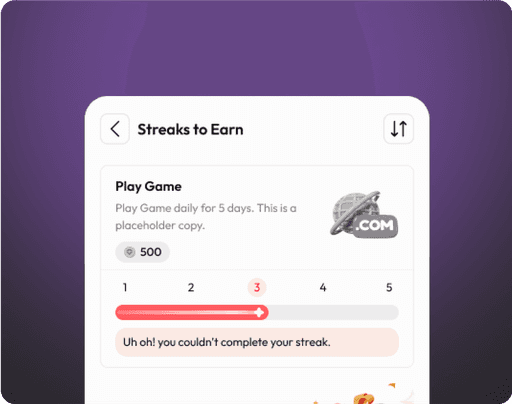
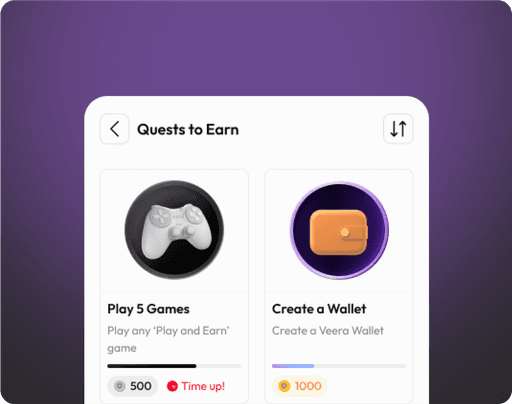
Cards

Lists

Input fields

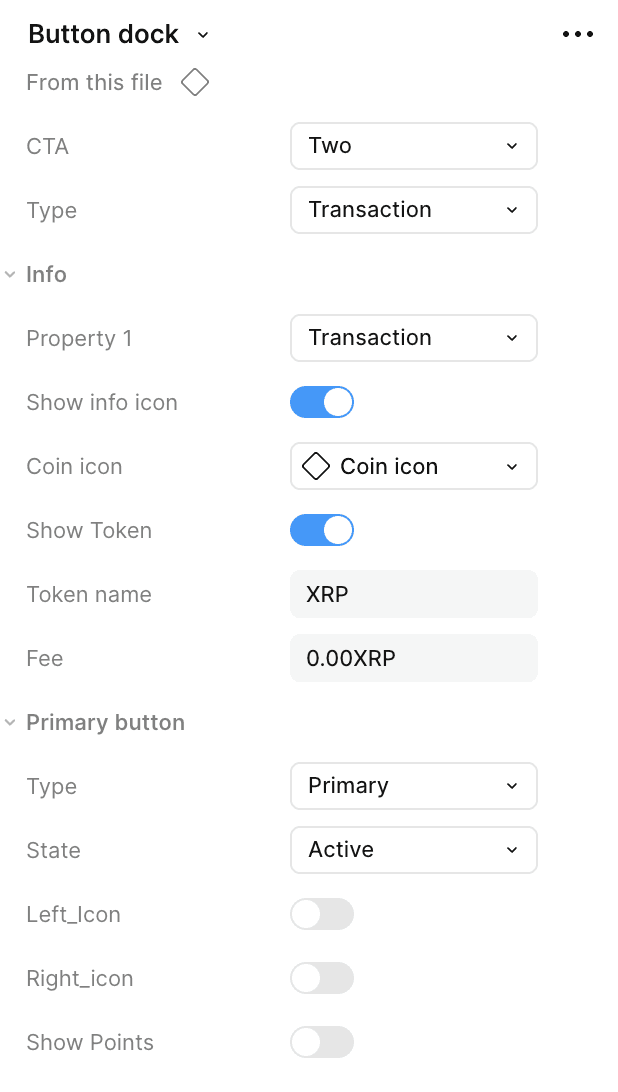
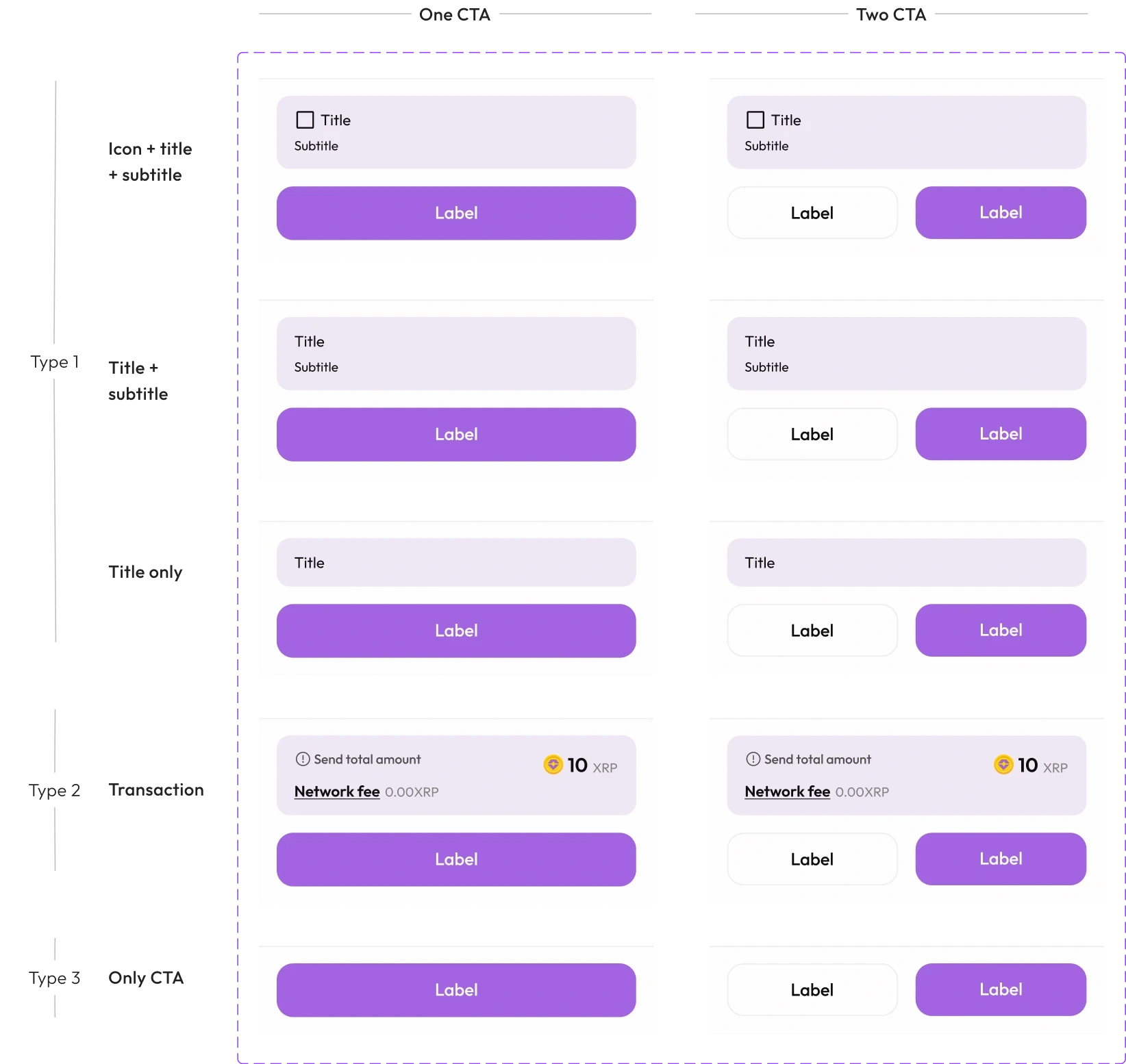
Bottom dock

Tab bars
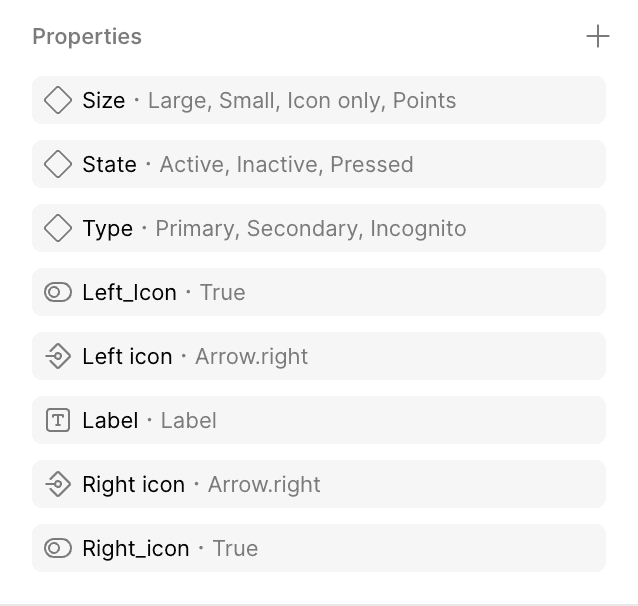
Buttons

Buttons

Buttons

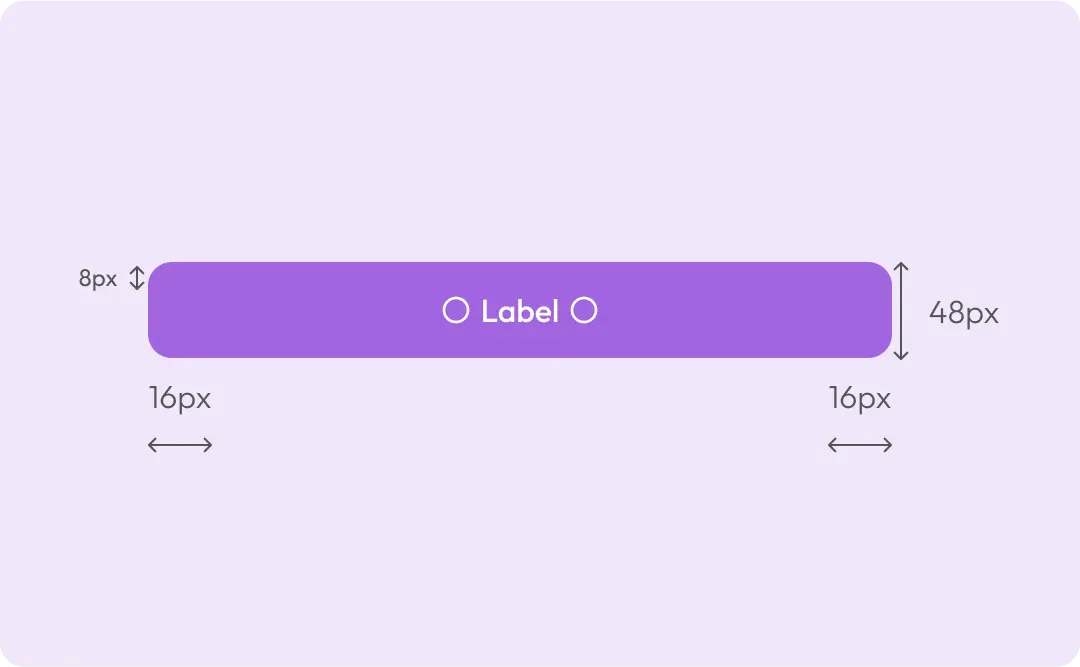
Size and spacing

Height:

Border radius:

Padding.top, padding.bottom:

Padding.left, padding.right:

Gap:

48,40px

12,8px

12px

16px

4px
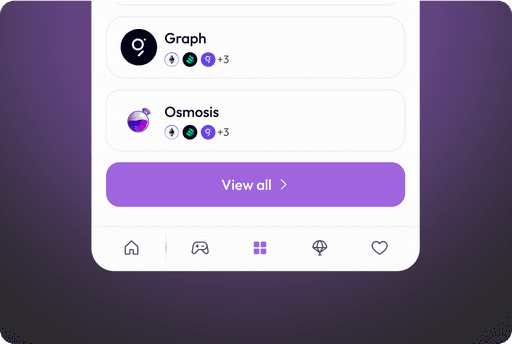
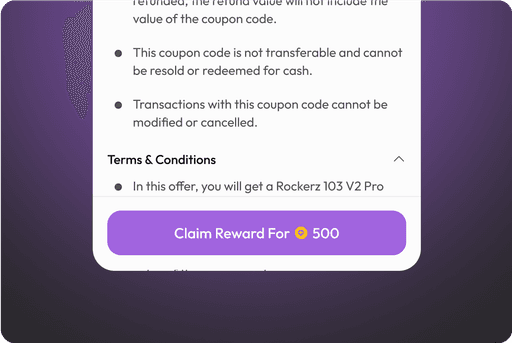
Use cases

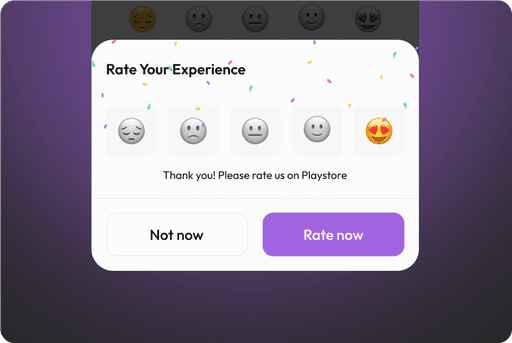
Use cases

Cards

Cards

Cards

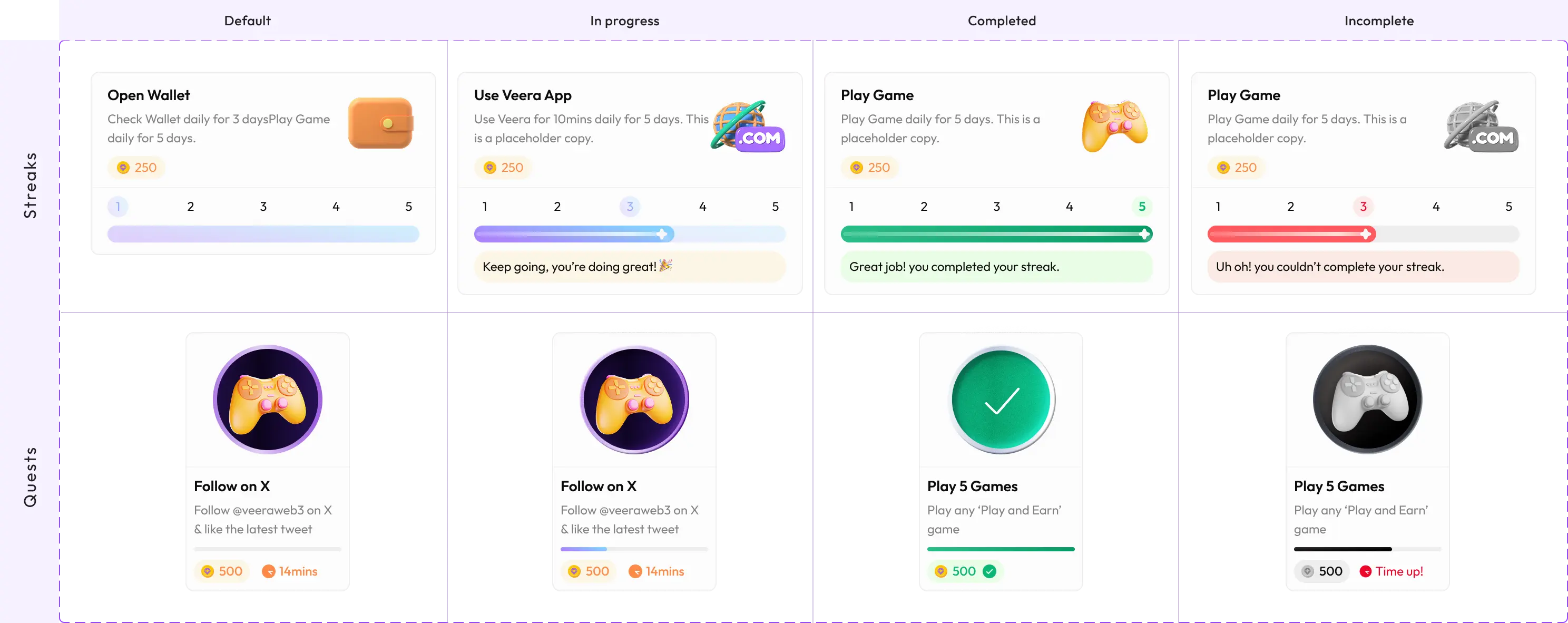
Use cases

Use cases

Lists

Lists

Lists

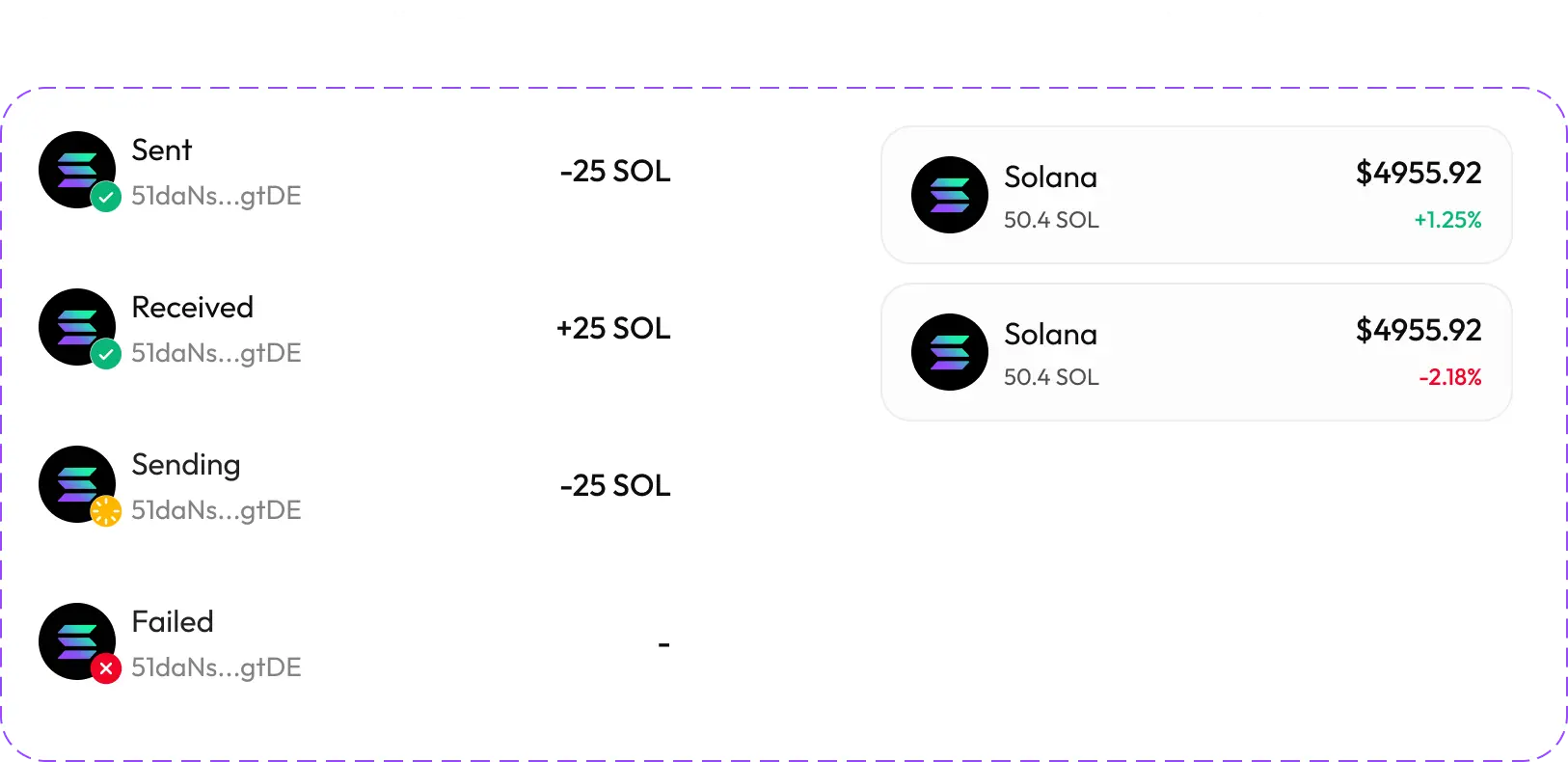
Solana

Solana

50.4 SOL

50.4 SOL

$4955.92

$4955.92

+1.25%

+1.25%

16px

16px

16px

16px

72px

72px

12px

12px

Size and spacing

Height:

Border radius:

Padding.top, padding.bottom:

Padding.left, padding.right:

Gap:

72px

16px

12px

16px

8px

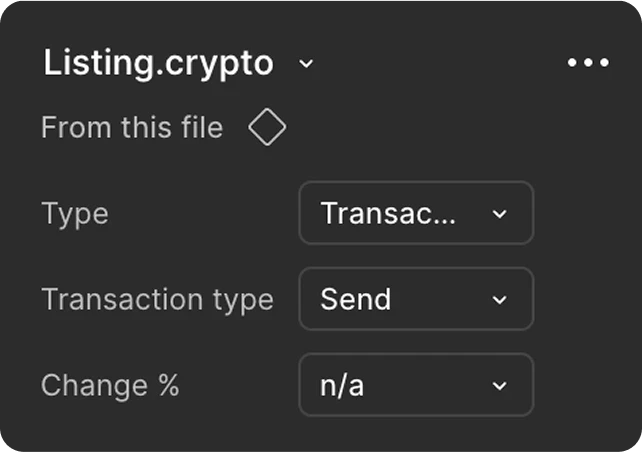
Anatomy

Style:

Transaction Type:

% change:

Transactions, Assets

Sent, Sending, Received, Failed

Positive, Negative
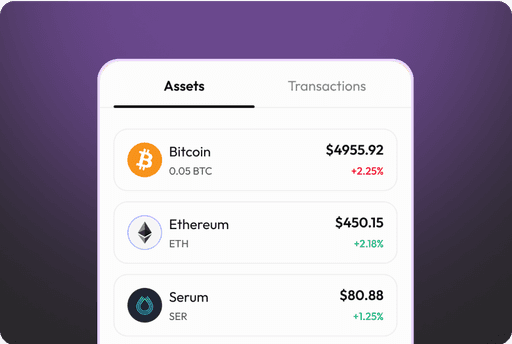
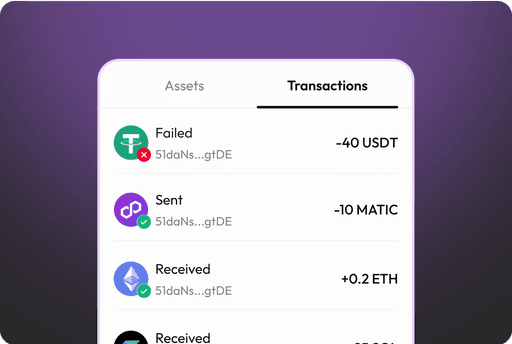
Use cases

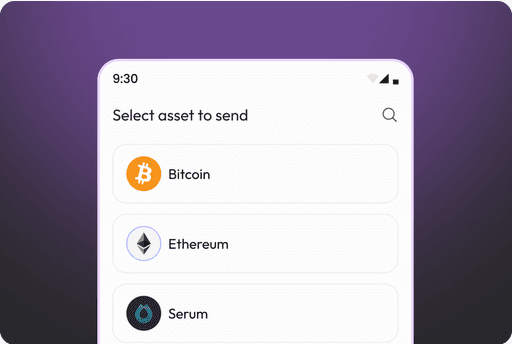
Use cases

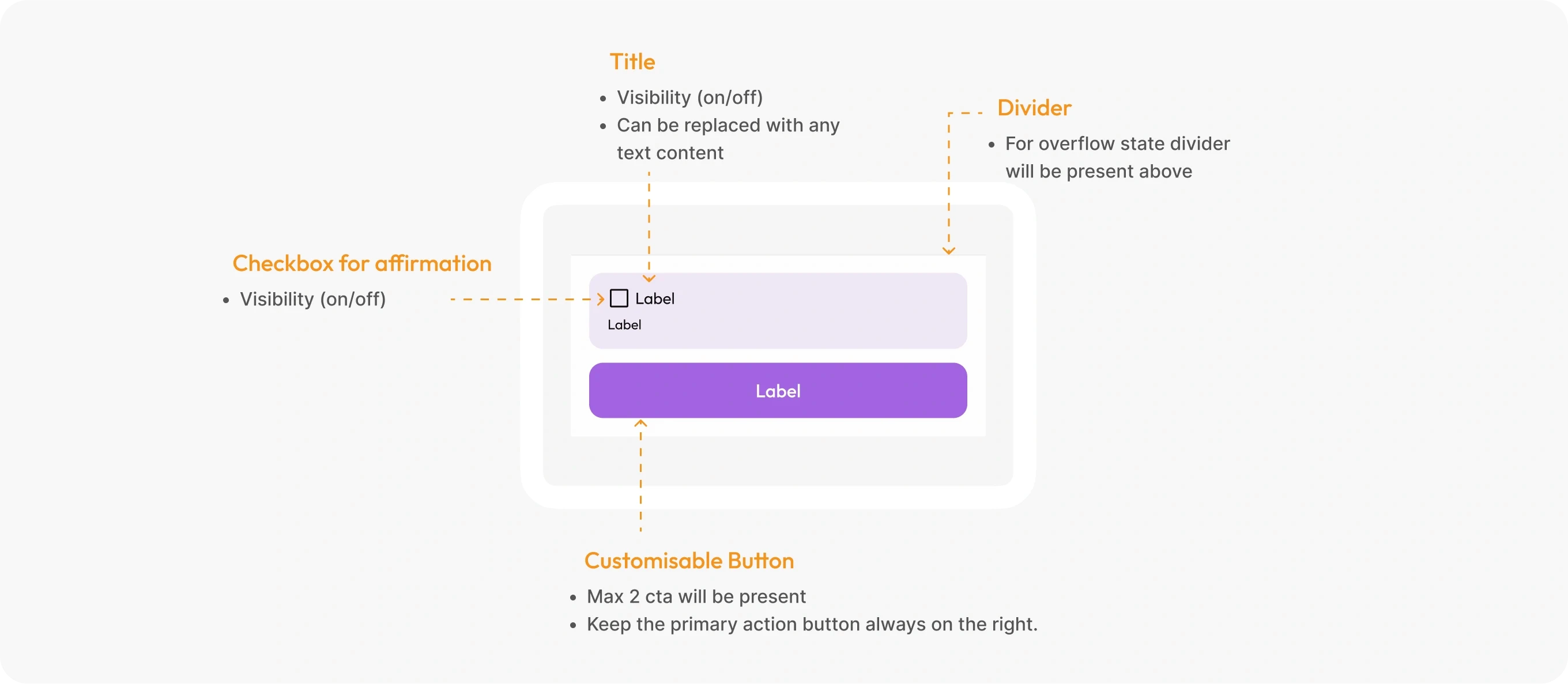
Bottom dock

Bottom dock

Bottom dock

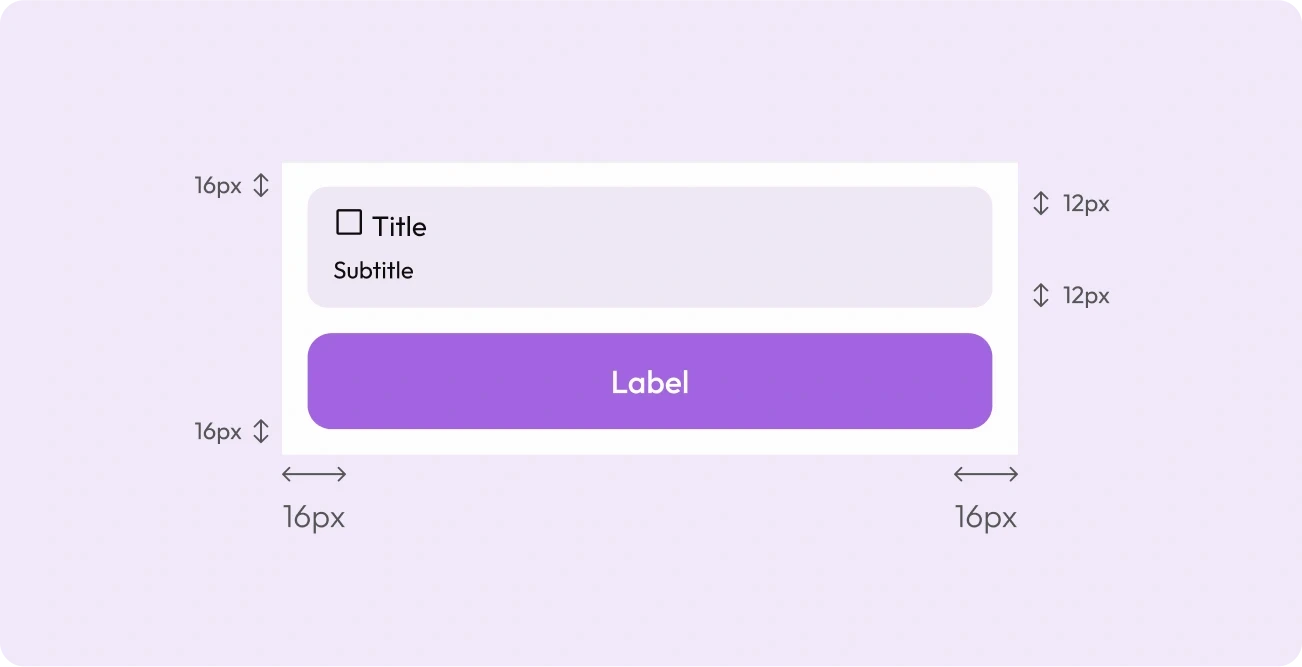
Size and spacing

Height:

Height:

Border radius:

Border radius:

Padding.top, padding.bottom:

Padding.top, padding.bottom:

Padding.left, padding.right:

Padding.left, padding.right:

Gap:

Gap:

48,40px

48,40px

12,8px

12,8px

12px

12px

16px

16px

4px

4px

Use cases

Use cases

Tab bars

Tab bars

Tab bars

Use cases

Use cases

Input fields

Input fields

Input fields

Input fields

Input fields

Anatomy

Type

States

Info Icon visibility
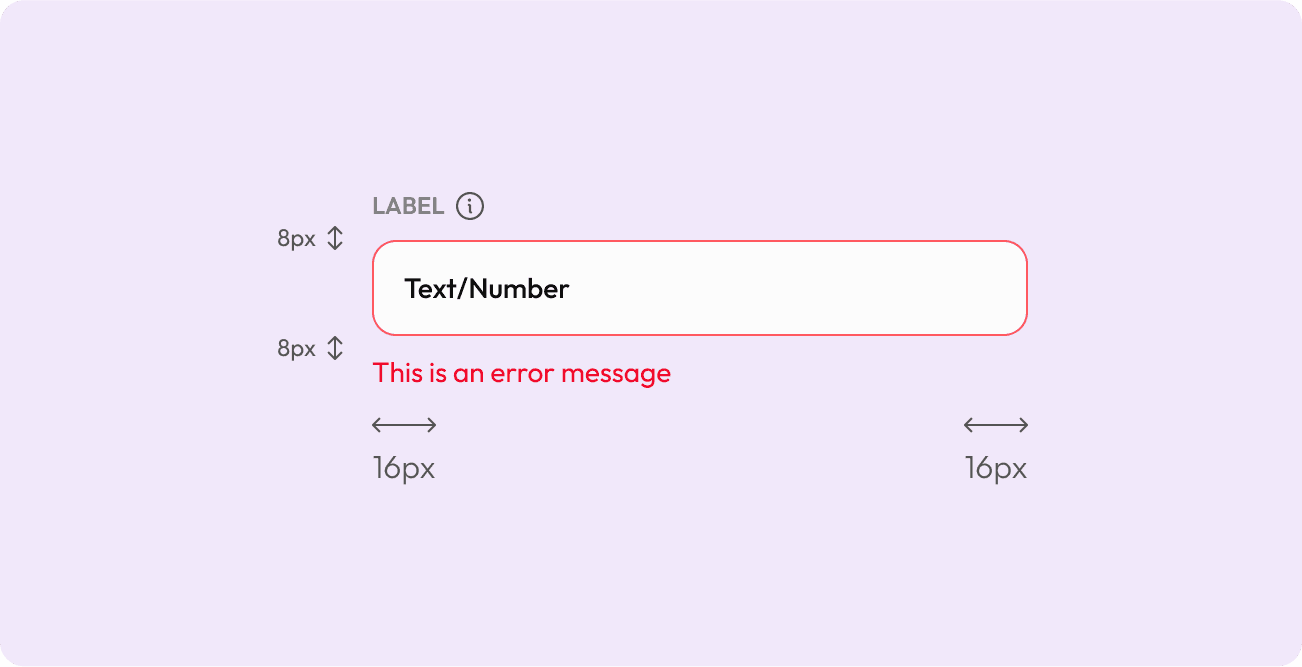
Text, Phone no, OTP, Amount

Text, Phone no, OTP, Amount

Text, Phone no, OTP, Amount

Text, Phone no, OTP, Amount

Default, Focus, Typing, Filled

Default, Focus, Typing, Filled

Default, Focus, Typing, Filled

Default, Focus, Typing, Filled

On/Off

On/Off

On/Off

On/Off

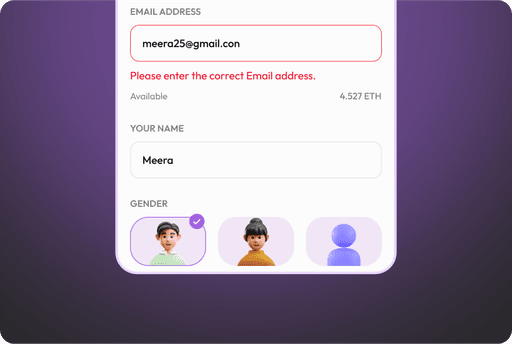
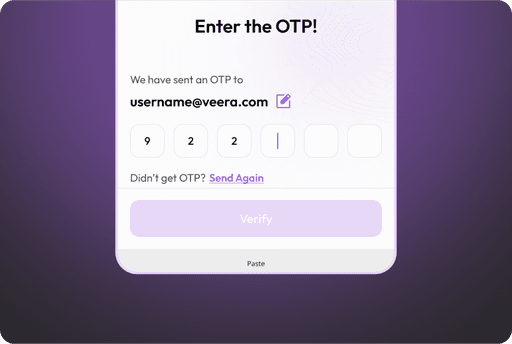
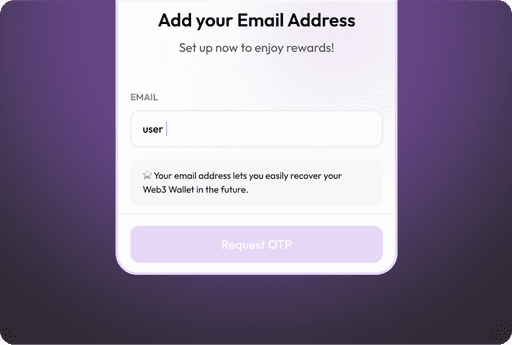
Use cases

Feb 5, 2026

-

8:48:00 PM

Khurram Shadab UX Portfolio @2025

Feb 5, 2026

-

8:48:00 PM

Khurram Shadab UX Portfolio @2025

Create a free website with Framer, the website builder loved by startups, designers and agencies.